
Pretty Printing JSON at the Command Line
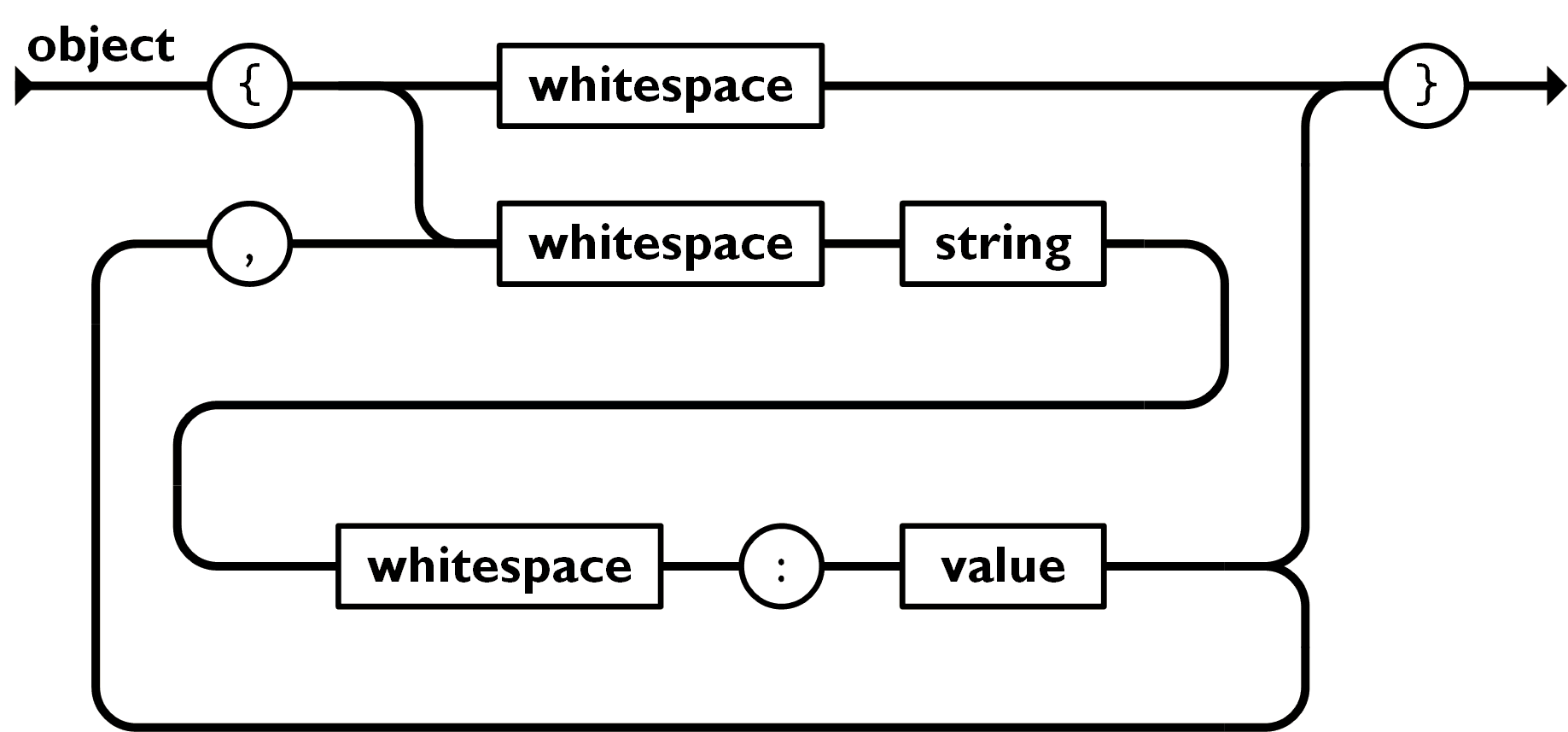
I'm not a huge fan of JSON, but it's not going anywhere. Not in the web world, not in the build tools world, not in the LSP world, nowhere.
I feel a rant brewing
I won't rant too much about it, as it was introduced 25 years ago and it was a different time, but the fact that tools TODAY are still thinking "hey, we should use JSON for our configurations... What's that? Comments? Nahhh, who needs to comment a thousand lines of configuration...". That's right, no trailing commas, no comments.
At a bare minimum, at least support JSONC.
I don't know now, nor did I really understand back when it came out, why it was so important that data interchange formats are human readable. Human readable machine-to-machine communication is wild. For debugging and intercepting data, that's something that could be solved at a tooling level. Having said that, I REALLY can't explain why someone would use JSON in a build tool, other than laziness because their language probably has a built-in JSON parser. I'd happily take an INI file instead.
I'd be remiss to not mention that apparently YAML is a super-set of JSON, which, like... What?
Moving on
All this is to say that I run into JSON files quite frequently, and if they're of the API
variety, they're usually minified. When I download them (with curl) and want to
read through or manipulate them, I find it easier if they're pretty-printed and thus, marginally
readable.
Over the years I had a few ways to solve this, but more often than not, I'd pipe the curl response to a file, open it in VSCode, turn on a prettifying extension, and then
run that.
It was madness. Sheer, and utter madness.
A better way
Some years ago, on an unrelated StackOverflow post, someone asked the OP to run their response
through json_pp before posting it. It was such a casual request, with no links or
references, that it surprised me.
% man json_pp

  JSON_PP(1)   Perl Programmers Reference Guide
  NAME
    json_pp - JSON::PP command utility
  SYNOPSIS
    json_pp [-v] [-f from_format] [-t to_format] [-json_opt options_to_json1[,options_to_json2[,...]]]
  DESCRIPTION
    json_pp converts between some input and output formats (one of them is JSON).  This program was copied from json_xs and modified.
    The default input format is json and the default output format is json with pretty option.
After [some number of years that I've been programming] I come to find out that there is a built-in Perl script on Mac which formats code for you. Mind blown.
Nowadays, I almost never make use of json_pp, as I almost always have the far
superior jq installed - but there have been the
occasional instances on other people's machines, or a random Mac server where it's come in
handy.
On my Fedora 43 machine, I don't have json_pp, but I have json_reformat... Not sure where it came from, it has no man page, but it
seems to be there and do roughly the same thing.
Different ways to do the same thing
Using a minified subset of the Wikipedia sample in a file, I'll show some possible ways to pretty-print this:
{"first_name":"John","address":{"city":"New York"},"phone_numbers":[{"type":"home","number":"212 555-1234"},{"type":"office","number":"646 555-4567"}],"children":["Catherine","Thomas"],"spouse":null}json_pp
% cat mini.json | json_ppProduces sorted JSON, with a weird 3-space indenting, and a space between the colon and the key.
{
   "address" : {
      "city" : "New York"
   },
   "children" : [
      "Catherine",
      "Thomas"
   ],
   "first_name" : "John",
   "phone_numbers" : [
      {
         "number" : "212 555-1234",
         "type" : "home"
      },
      {
         "number" : "646 555-4567",
         "type" : "office"
      }
   ],
   "spouse" : null
}
Python
Python has had a command line solution for this, but in Python 3.14, they made it a little bit cleaner by
not requiring json.tool as the module.
% cat mini.json | python3 -m json  # or python3 -m json mini.json
# python3 -m json.tool if using 3.13 or older
This JSON is has 4-space indenting, colons next to the key, and retains the original key order.
{
    "first_name": "John",
    "address": {
        "city": "New York"
    },
    "phone_numbers": [
        {
            "type": "home",
            "number": "212 555-1234"
        },
        {
            "type": "office",
            "number": "646 555-4567"
        }
    ],
    "children": [
        "Catherine",
        "Thomas"
    ],
    "spouse": null
}
Using the --sort-keys argument recursively sorts the keys of each object.
% cat mini.json | python3 -m json --sort-keys{
"address": {
"city": "New York"
},
"children": [
"Catherine",
"Thomas"
],
"first_name": "John",
"phone_numbers": [
{
"number": "212 555-1234",
"type": "home"
},
{
"number": "646 555-4567",
"type": "office"
}
],
"spouse": null
}jq
Finally, JQ...
JQ can do much, much more than just pretty-print JSON files. From their documentation:
... allowing you to easily slice, filter, map, and transform structured data.
However, 90% of the time, I just end up using it as a pretty-printer, with a handful of times where I need to slice and dice responses.
% cat mini.json | jq # or jq . mini.jsonThis JSON is has 2-space indenting, colons next to the key, and retains the original key order.
{
  "first_name": "John",
  "address": {
    "city": "New York"
  },
  "phone_numbers": [
    {
      "type": "home",
      "number": "212 555-1234"
    },
    {
      "type": "office",
      "number": "646 555-4567"
    }
  ],
  "children": [
    "Catherine",
    "Thomas"
  ],
  "spouse": null
}
And, similar to Python's json module, you can sort keys if you're so inclined with --sort-keys:
% cat mini.json | jq --sort-keys{
"address": {
"city": "New York"
},
"children": [
"Catherine",
"Thomas"
],
"first_name": "John",
"phone_numbers": [
{
"number": "212 555-1234",
"type": "home"
},
{
"number": "646 555-4567",
"type": "office"
}
],
"spouse": null
}